Curated from Showesome
Screen recording guides hub
Featured tutorials for Showesome Screen Recorder — Focus Mode, tab audio, virtual backgrounds, and more. We link to the canonical guides on recorder.showesome.com.
Each card opens the full guide on the Showesome blog — we link to them here so you can find the best tutorials in one place.
- 8Featured picks
- 41Total guides
- 0Duplicate pages
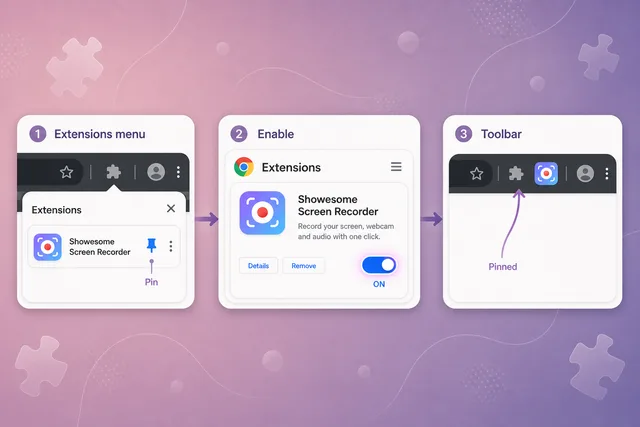
Can't find Showesome? Enable the extension and pin it in Chrome
First-time setup: enable the extension, pin it to your toolbar, and start your first recording in minutes.
Read on Showesome →
Record your screen with audio: microphone, mute, and tab sound
Choose the right mic, capture tab audio, and avoid the most common silent-recording mistakes.
Read on Showesome →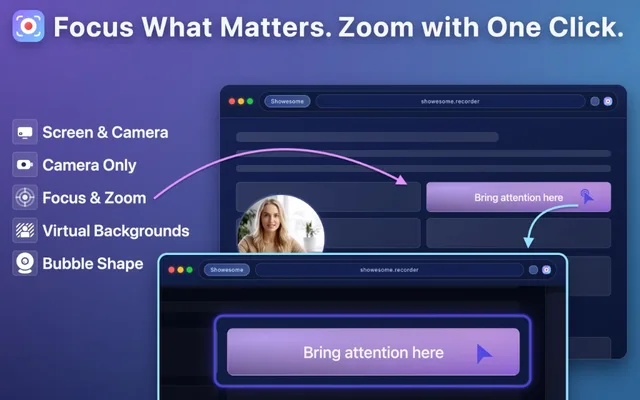
Five Focus Mode tips for better tutorials
Spotlight UI elements, zoom on text, and keep viewers focused without post-production editing.
Read on Showesome →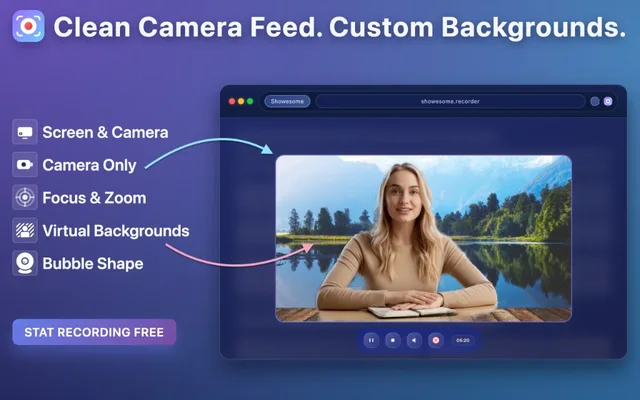
Virtual backgrounds: blur, gallery backgrounds, and live preview
Look professional on camera with blur and virtual backgrounds — apply before or after recording.
Read on Showesome →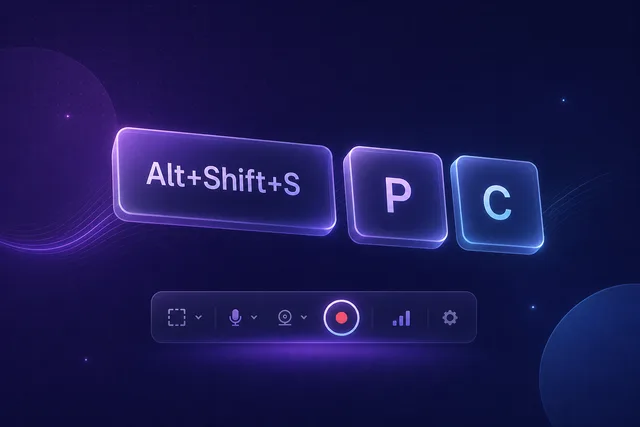
Keyboard shortcuts: record without touching the controls
Start, pause, and cancel recordings from the keyboard so your cursor stays on what matters.
Read on Showesome →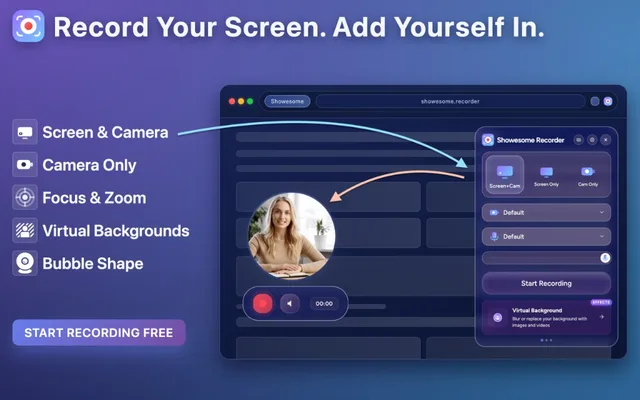
Screen + Camera or screen only? Choosing a recording mode
Pick the right mode for demos, lessons, talking-head clips, or quick screen captures.
Read on Showesome →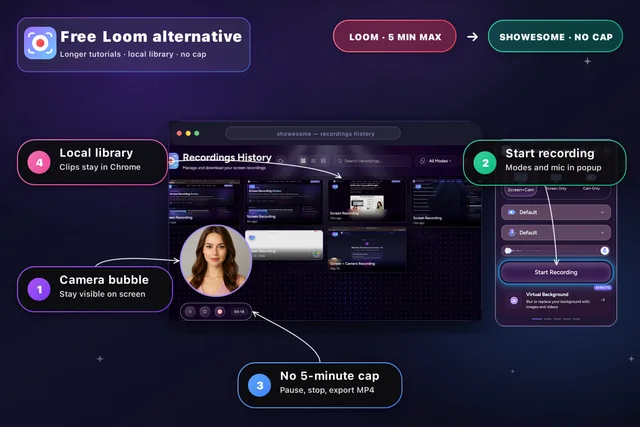
Free Loom alternative for Chrome
Longer recordings, no watermark, and no account required — a practical async video option in Chrome.
Read on Showesome →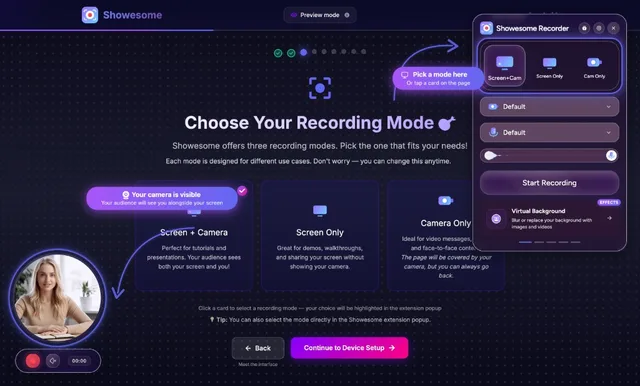
How to record a Chrome tab with audio
Share a single tab with browser audio enabled — ideal for meetings, music, and web apps.
Read on Showesome →Showesome is a Devakto product. All guide content is maintained at recorder.showesome.com/blog.